
Unlock your SIM with the TM PUK Code 

The TM PUK code helps unlock your SIM card when it gets blocked after multiple wrong PIN attempts. It restores access to calls, texts, and mobile data. You can obtain your PUK code from the SIM card holder, TM customer support, or a nearby Globe Store with valid identification. Below is a detailed guide on how to easily recover and use your PUK code to unlock your SIM.
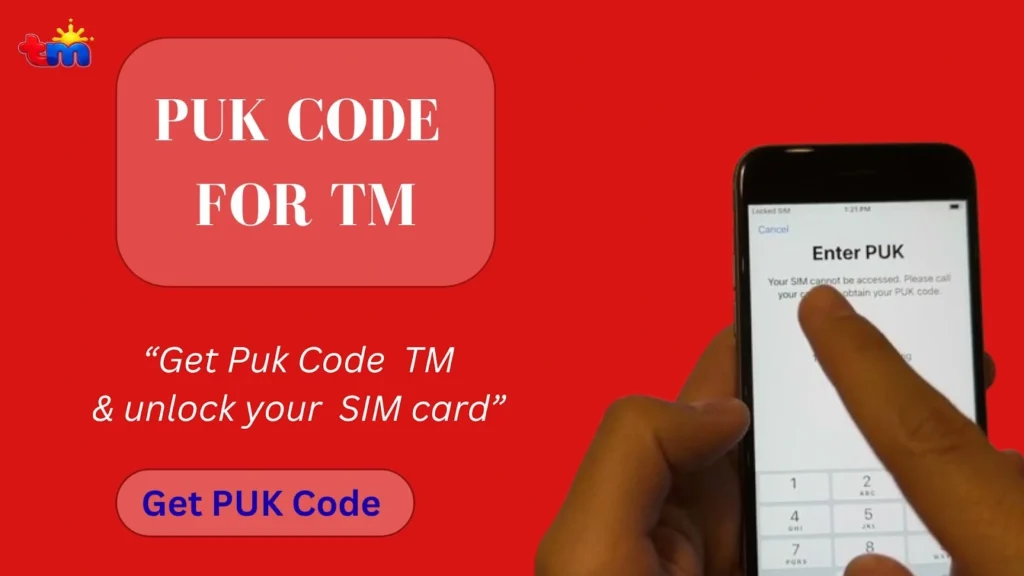
PUK CODE FOR TM banner on red background with blue Get PUK Code button and a phone showing Enter PUK for locked SIM.

How to Get TM PUK Code?

You can retrieve the puk code TM through the original SIM card holder, TM customer support, or visit a Globe Store with a valid ID. Always complete your SIM registration TM to unlock your SIM. Here is the detailed guide about each method.

Get the PUK code from SIM packing by checking the SIM card holder for the printed eight-digit code.

Get Code From SIM Packing

Here is how to get the code through your SIM cover:

  • Check the SIM card holder that came with your SIM
  • The PUK code is usually printed alongside the SIM number and default PIN
  • This is the quickest and safest way to recover your Globe PUK code.

In case your SIM cover is not available, follow the methods below to recover your TM PUK code.

TM PUK Code Recovery Online

This is the easiest TM PUK code recovery online method if your SIM is already linked to the GlobeOne app.
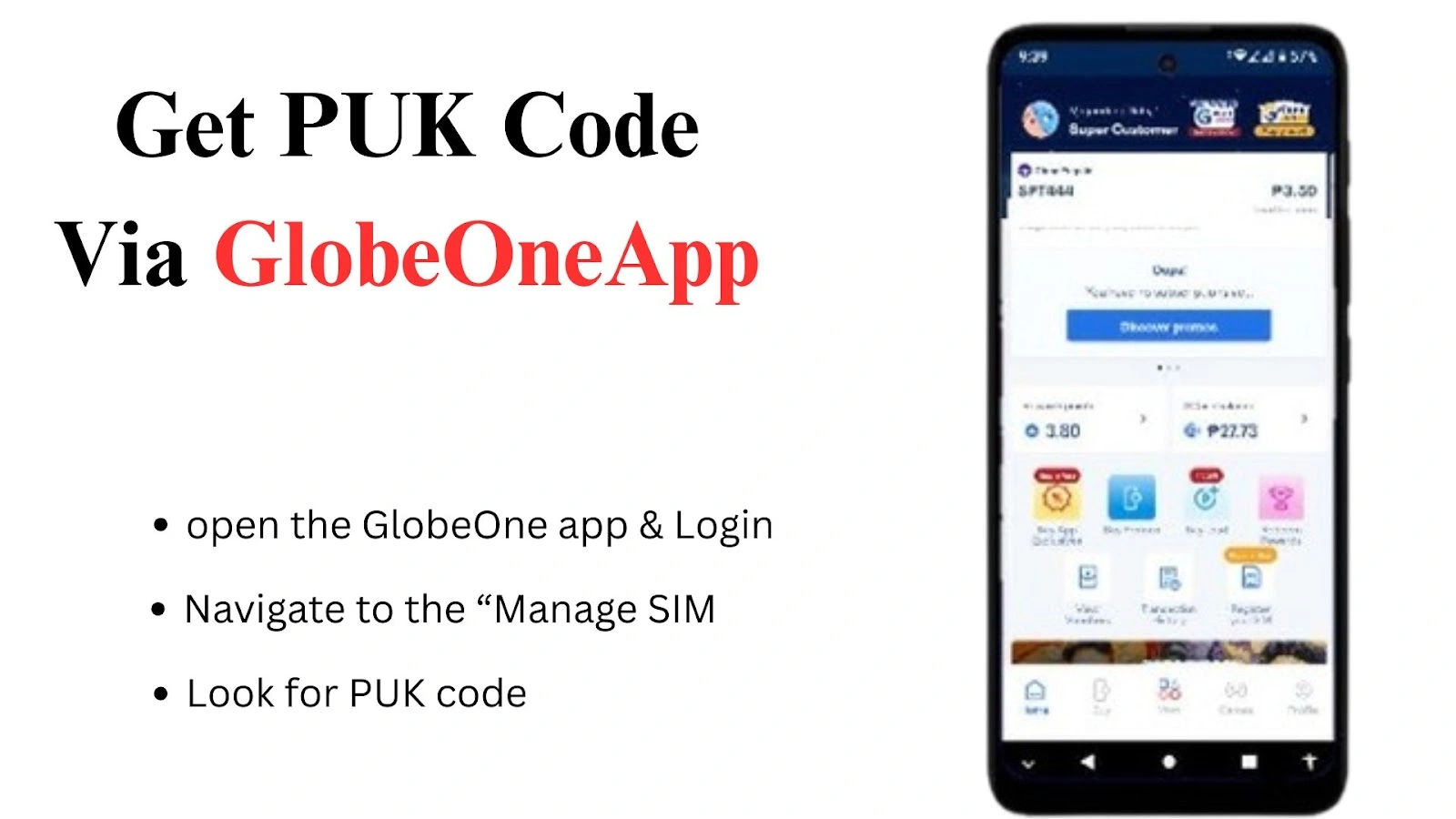
  • Download and open the Globe One app on your phone and log in with your Globe or TM number.
  • Once logged in, navigate to the “Manage SIM” section or use the search bar for quick access.
  • Find your PUK code information in the app.
  • Use the displayed PUK code to unlock your SIM and set a new PIN.
Get PUK Code Via GlobeOneApp: Open the GlobeOne app & login, navigate to “Manage SIM,” and look for the PUK code.
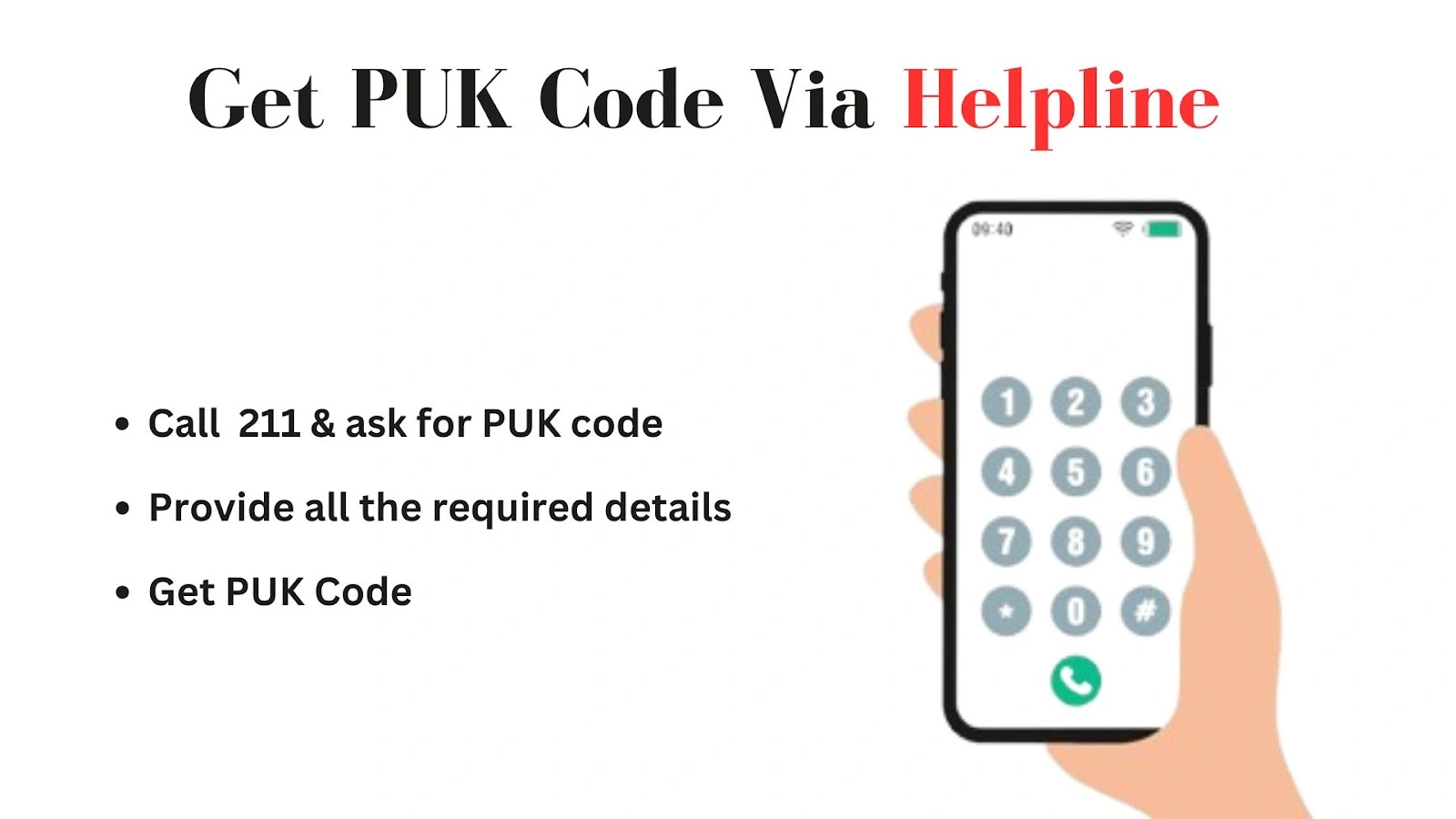
Get PUK Code Via Helpline. Shows how to get the PUK code by calling 211 and providing the required details.

Get Code Via Helpline

For users in the country, TM customer support also provides TM PUK code recovery Philippines assistance after verifying your account details.

  • Call the Globe Hotline at 211 from your Globe number, or (02) 7730-1000 from other networks, and ask for your PUK code.
  • You will be asked to provide some details. Provide all the required details accurately. 
  • Customer support will provide your PUK code.

How To Use TM SIM PUK Code?

Once you get the PUK code, here ia atep by atep guide for TM PUK code unlock:

  1. When your SIM is blocked, your phone will ask you to enter the PUK code.
  2. Carefully enter the PUK code you received from the SIM pack, Globe One app, or customer support.
  3. Type the code slowly to avoid errors, as entering the wrong PUK several times can permanently deactivate your SIM.
  4. After entering the correct PUK, you’ll be asked to create a new SIM PIN.
  5. Create a new PIN that’s easy to remember but still secure. 
  6. Re-enter the new PIN to confirm, and your SIM will be unlocked
  7. Test your SIM by making a call, sending a text, or using mobile data.

This TM SIM PUK code unlock process restores access to your calls, texts, and mobile data after your SIM has been blocked.
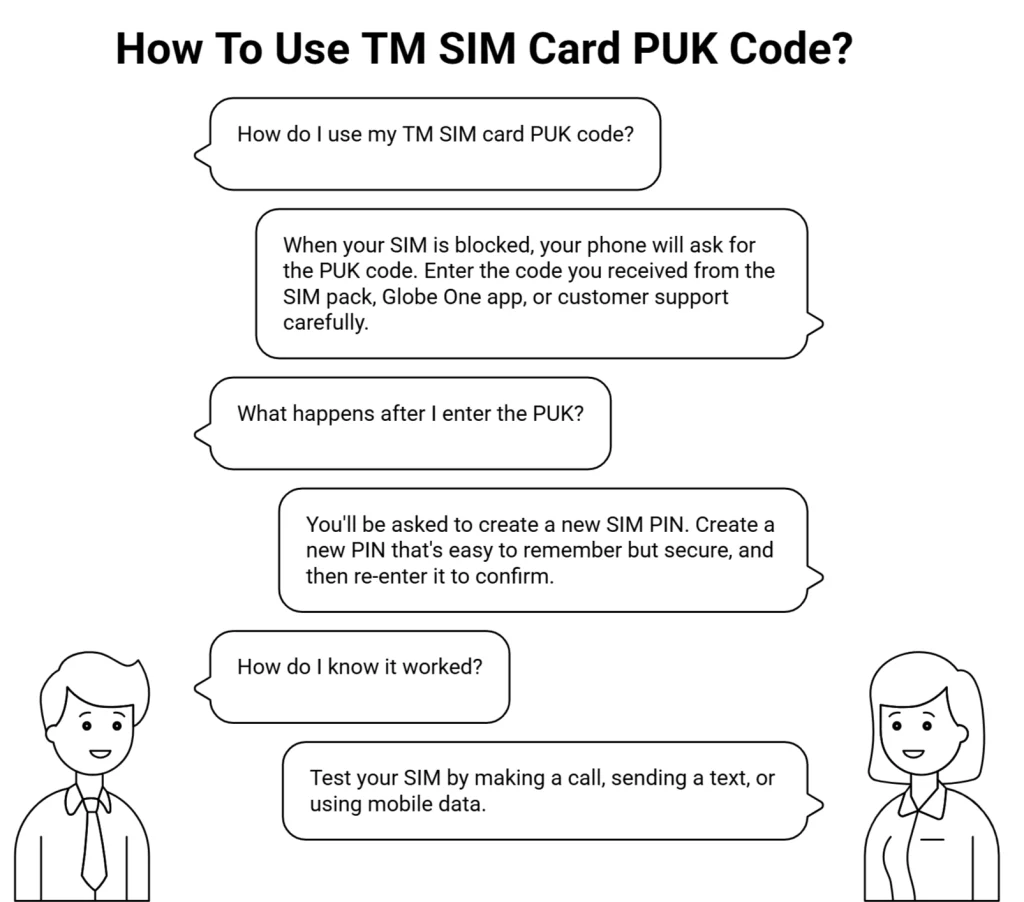
TM SIM Card PUK Code guide infographic showing how to unlock a blocked SIM, create a new PIN, and test the SIM.

Note: Need extra load? Check our guide on TM Utang Load to borrow load even with zero balance.

Tips To Fix PUK SIM Card TM

Here are some practical tips that you must keep in mind to recover the PUK code and fix your SIM:
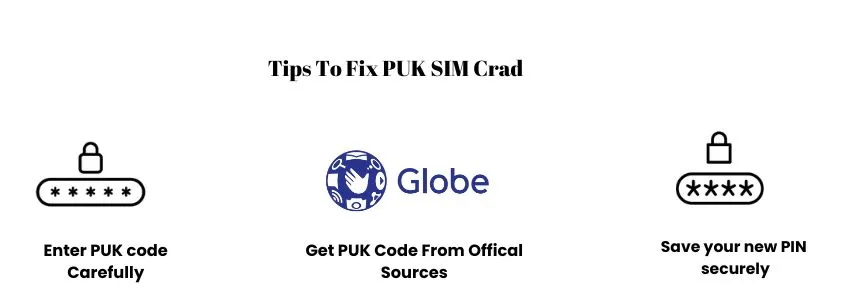
  • Enter the PUK code carefully: Always type the PUK slowly and double-check it. Entering the wrong code multiple times can permanently block your SIM. If the SIM is blocked, a TM SIM replacement with the same number is the only solution to this issue. 
  • Use only official sources: Get your PUK code only from the SIM card holder, the Globe One app, or TM/Globe customer support. Avoid online tools or generators.
  • Save your new PIN securely: After unlocking, choose a PIN you can remember and store it in a safe place to prevent future SIM lock issues.
  • Check TM no signal solution if the SIM has no service after unlocking the PUK code.
Infographic showing how to fix PUK SIM card issues: enter the PUK code carefully, get the PUK code from official sources, and save the new PIN securely.

If you still cannot unlock your SIM, contact TM support for TM PUK code recovery assistance. Reach out the helpline and report your issue. The helpline will provide you with possible solution as soon as possible:

FAQs

To get the PUK code, first check your SIM card holder, because the PUK code is often printed there. If you no longer have it, open the Globe One app or contact TM customer support. You can also visit a Globe Store with a valid ID, and they will help you recover the PUK and unlock your SIM safely.

To unlock your SIM, first, get your PUK from the SIM card holder, Globe One app, or TM customer support. Once you have it, enter the code carefully on your phone. Then create a new PIN, confirm it, and your SIM will be unlocked and ready to use.

If your SIM card is permanently blocked because of entering the wrong PIN or PUK too many times, it can’t be unlocked. You’ll need to get a replacement SIM from TM or a Globe Store. Bring a valid ID and your account details, and your number will be restored on the new SIM.

You can’t unlock a TM SIM without a PUK code. This lock is a security feature that protects your number. If you don’t have the PUK, the only option is to recover it through the SIM card holder, the Globe One app, or by contacting TM or visiting a Globe Store with a valid ID.

Conclusion

The TM PUK code is the key to unlocking a blocked SIM and restoring calls, texts, and mobile data. You can get it from your SIM card holder, the Globe One app, TM customer support, or a Globe Store. To use it, enter the PUK carefully on your phone, set a new PIN, confirm it, and your SIM will be unlocked. Always save your PIN and use official sources to avoid future issues.

Leave a Reply

Your email address will not be published. Required fields are marked *