
Download GlobeOne (TM SIM) App | Latest Version 2026

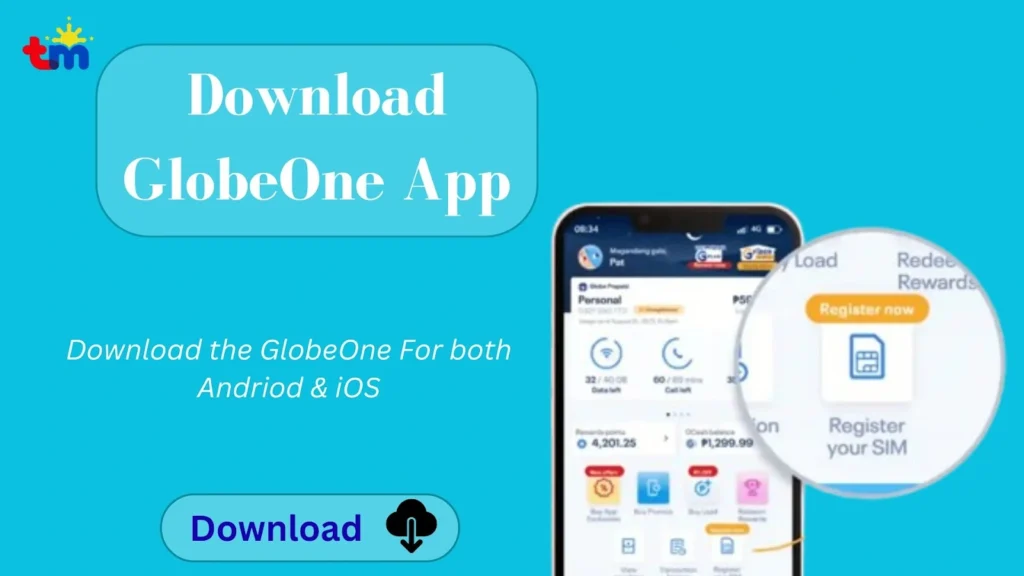
The TM app, officially called the GlobeOne app, is the official mobile application for TM and Globe users. It allows you to register your TM SIM, check your balance, buy promos, pay bills, and manage your account from one place.
What Is the TM App (GlobeOne App)?
GlobeOne app is an all-in-one mobile app by Globe Telecom that helps users manage Globe and TM services. It offers useful features like TM balance check, buy promos, and pay bills easily in one secure place. Below is a quick overview of the app:
Info Type | Details |
App Name | GlobeOne/ TM SIM App |
Developer | Globe Telecom |
App Size | Varies by device |
Available For | Android and iOS |
Main Use | Balance checks, promos, bills, account management |
TM App Download Latest Version
Always download the app from the official source and avoid unofficial downloads to avoid issues. Here is how to download and use the TM SIM app:
- Open Google Play Store (Android) or Apple App Store (iOS).
- Search for the GlobeOne app.
- Tap Install and wait for the download to finish.
- Open the app after installation.
- Sign up or log in using your mobile number or email.
- Enter the OTP sent to your number for verification.
- Add your Globe or TM number to your account.
- Check your balance, data usage, and promos from the dashboard.
- Buy promos, load credits, or pay bills directly inside the app.
How To Register and Login Globe One
If you are a new user, you must create a GlobeOne account before accessing the app features. Existing users can simply log in using their registered mobile number or email. Follow these steps to complete your TM app registration and login.
- Open the app and tap Create an Account or Sign Up.
- Enter your TM or Globe mobile number or email address.
- Enter the OTP (One-Time Password) sent to your registered number.
- Add your TM number to your account to start managing your services.
- Once registration is complete, you can check your balance, buy promos, pay bills, and manage your account.
- Once the accout is created, you can login to your account using phone number and password.
TM App Features
Here are the details about valuable features of the GlobeOne app:
SIM Registration
Globe users can easily register for the TM SIM app online via the GlobeOne app. Simply open the app, fill out the form, and complete your TM SIM registration. The app offers quick, easy, and secure SIM registration.
Balance and Usage Tracking
You can easily check TM data, call, and text balance anytime through the TM app. The app provides details such as how much you’ve used and tracks daily activity. In short, the app is one of the easiest ways to check your TM balance.
Buy Promos and Load
The app allows you to buy data, call, and text promos in just a few taps. You can subscribe to promos like TM EP 150 and Easy Surf 50. It works smoothly for Globe and TM users and saves time. You can also buy load online easily.
Bill Payment and Billing History
Postpaid and broadband users can pay their bills directly inside the app. You can view past bills, due dates, and payment records to stay organized and avoid late fees. The app also provides Utang TM load service.
Rewards and Exclusive Offers
The app gives access to rewards, special promos, and app-only deals. You can redeem offers easily and enjoy extra benefits. The app also sends official notifications and rewards information.
Troubleshooting The Errors
The TM app may sometimes experience issues such as login errors, OTP delays, or app crashes. Most of these problems are easy to fix with a few simple troubleshooting steps. Below are the most common TM app issues and their solutions.
TM App Not Working
If the TM app (GlobeOne app) is not working properly, it could be due to network issues, an outdated app version, or temporary server problems. Try these simple fixes to restore normal functionality.
App Not Installing
If the TM app is not installing on your device, the problem is usually related to storage space, device compatibility, or an interrupted download. Try these solutions to complete the installation successfully.
TM App Login Failed
If you can’t log in to the TM app, the issue may be related to incorrect credentials, network problems, or temporary server maintenance. Try these troubleshooting steps.
FAQs
Conclusion
The GlobeOne app allows users to manage Globe and TM services from one place. You can check your balance, buy load and promos, pay bills, track data usage, and complete TM SIM registration with ease. By downloading the official TM SIM app, you also get access to rewards, exclusive offers, and secure account management, making it a convenient way to stay connected anytime, anywhere.