
Unlock your SIM with the TM PUK Code

The TM PUK code helps unlock your SIM card when it gets blocked after multiple wrong PIN attempts. It restores access to calls, texts, and mobile data. You can obtain your PUK code from the SIM card holder, TM customer support, or a nearby Globe Store with valid identification. Below is a detailed guide on how to easily fix a PUK SIM card.
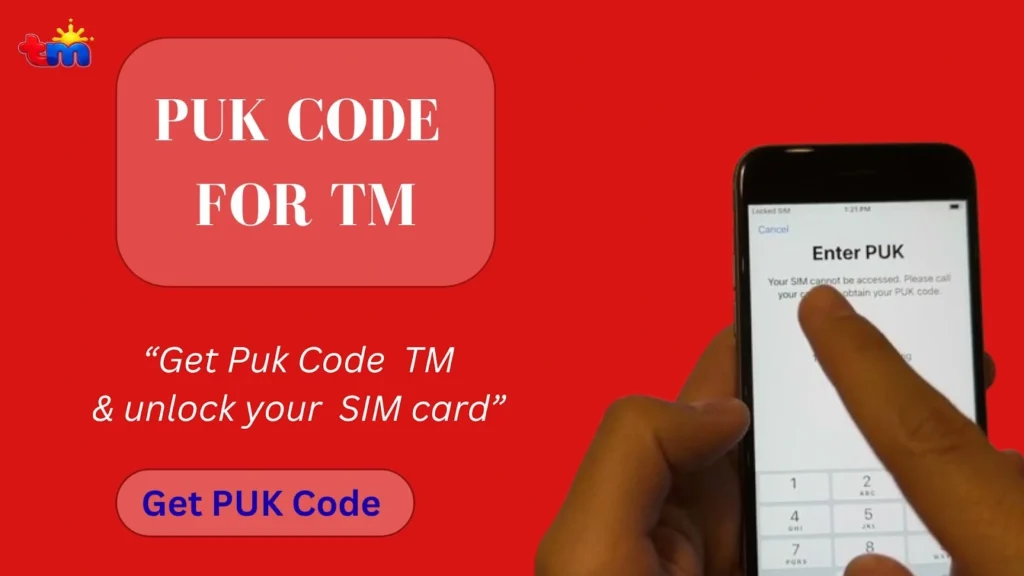
How to Get TM PUK Code?
You can retrieve the puk code TM through the original SIM card holder, TM customer support, or visit a Globe Store with a valid ID. Always complete your SIM registration TM to unlock your SIM. Here is the detailed guide about each method.

Get Code From SIM Packing
Here is how to get the code through your SIM cover:
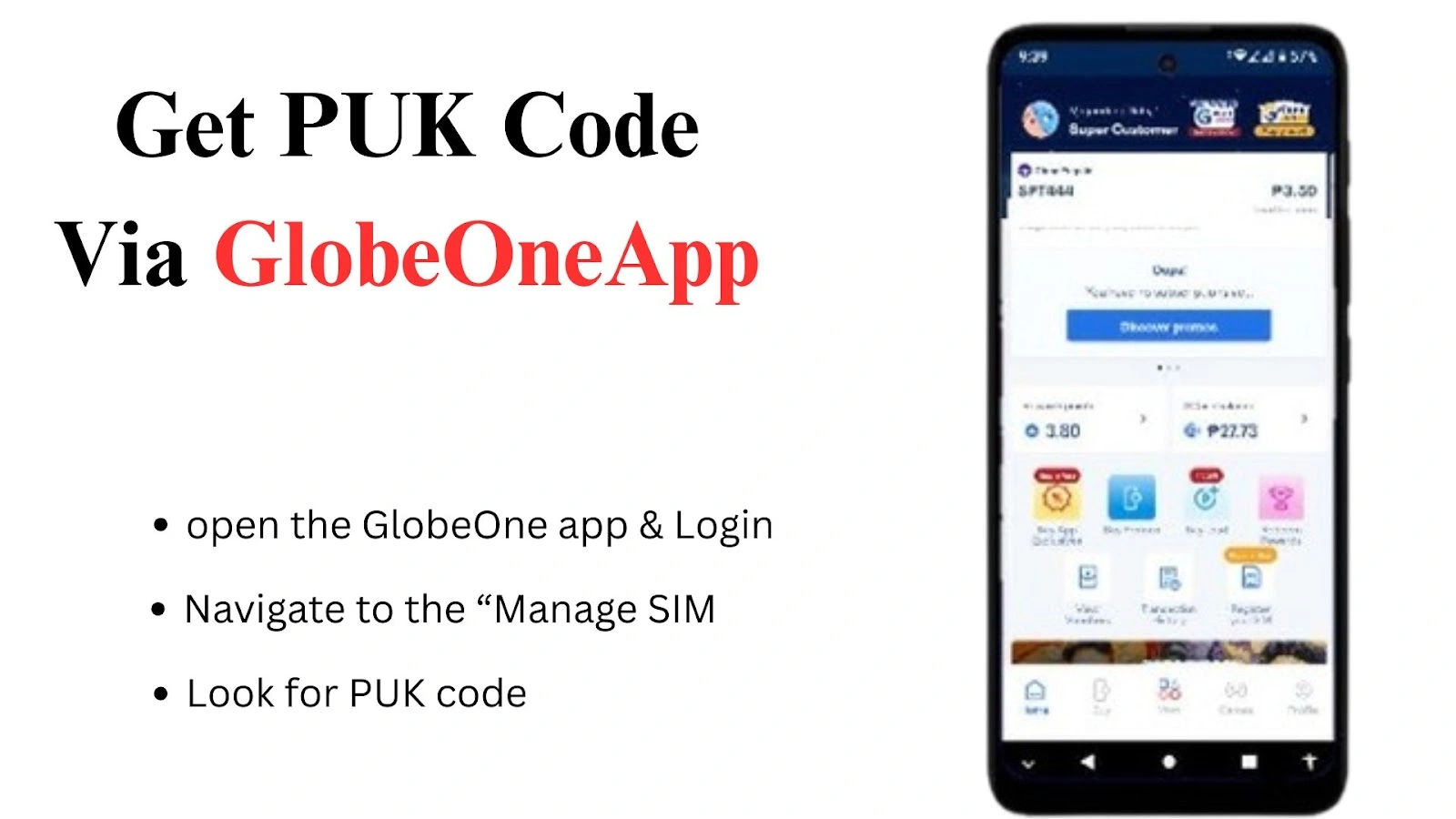
Through GlobeOne App
Follow the method to get code online via the GlobeOne app:
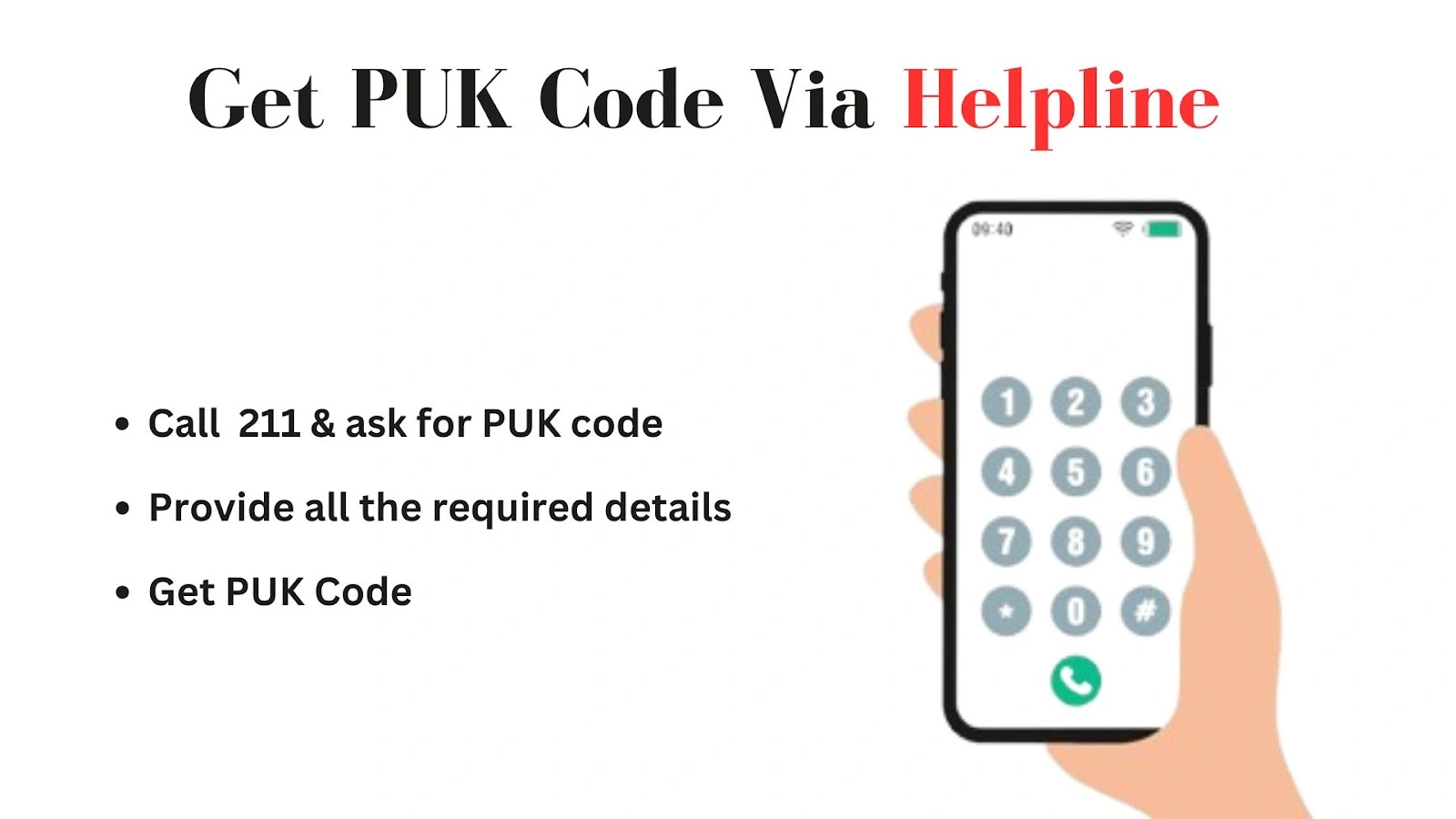
Get Code Via Helpline
If none of the above methods works for you, call the helpline to get the code. Here is how to do it:
How To Use TM SIM Card PUK Code?
Once you get the PUK code, here is how to use it and retrieve the PUK code TM SIM card:
- When your SIM is blocked, your phone will ask you to enter the PUK code.
- Carefully enter the PUK code you received from the SIM pack, Globe One app, or customer support.
- Type the code slowly to avoid errors, as entering the wrong PUK several times can permanently deactivate your SIM.
- After entering the correct PUK, you’ll be asked to create a new SIM PIN.
- Create a new PIN that’s easy to remember but still secure.
- Re-enter the new PIN to confirm, and your SIM will be unlocked
- Test your SIM by making a call, sending a text, or using mobile data.
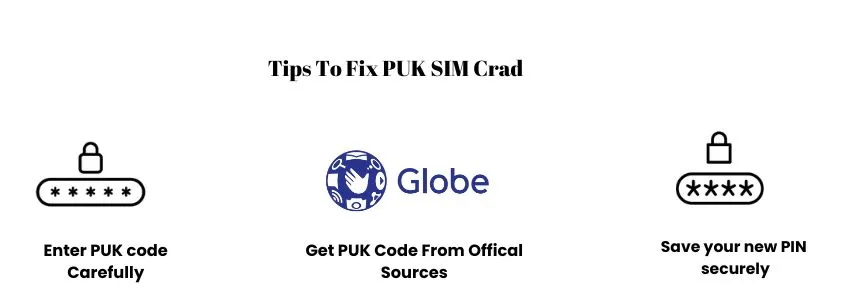
Tips To Fix PUK SIM Card TM
Here are some practical tips that you must keep in mind to recover the PUK code and fix your SIM:
FAQs
Conclusion
The TM PUK code is the key to unlocking a blocked SIM and restoring calls, texts, and mobile data. You can get it from your SIM card holder, the Globe One app, TM customer support, or a Globe Store. To use it, enter the PUK carefully on your phone, set a new PIN, confirm it, and your SIM will be unlocked. Always save your PIN and use official sources to avoid future issues.