Check TM Load & Data Balance – TM Balance Inquiry

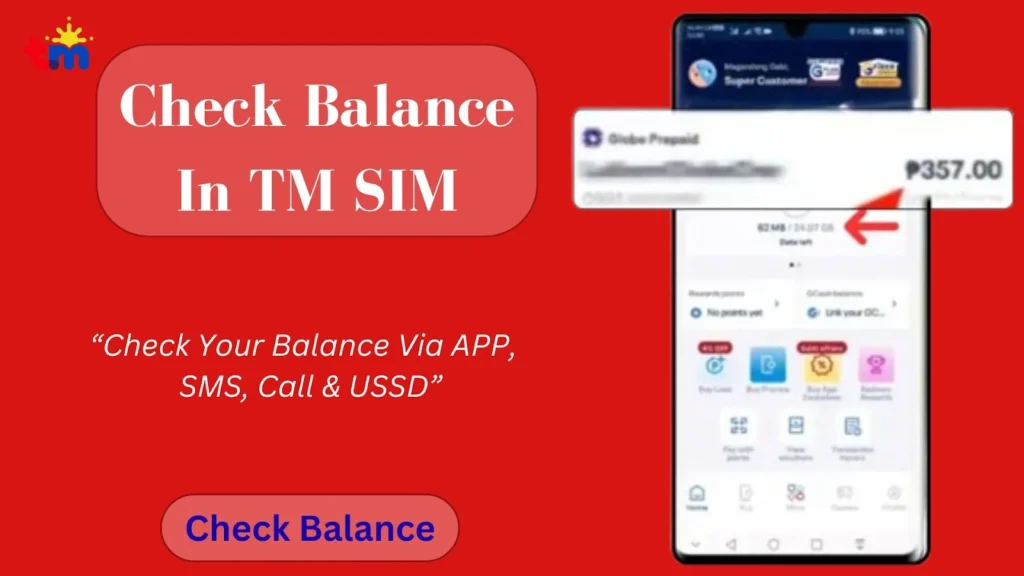
You can check the balance in TM via call, *143# USSD code, SMS, and online through the GlobeOne app. You can check your remaining data balance, load balance, and usage. SIM registration TM is necessary to check balance. Below is a detailed guide to TM balance inquiries.
How to Check Balance in TM/Globe?
You can check the TM balance through four official methods that provide accurate, real-time details.
Check Balance via GlobeOne app
Here is how you can check your TM balance online using the GloboeOne app:
- Open the GlobeOne app and log in to your account.
- Once logged in, navigate to the balance section on the home page. You can also search for this option using the search bar.
- In the balance section, you will get the details about your load balance, data, active promos, usage, and validity.
TM Balance Inquiry Via SMS
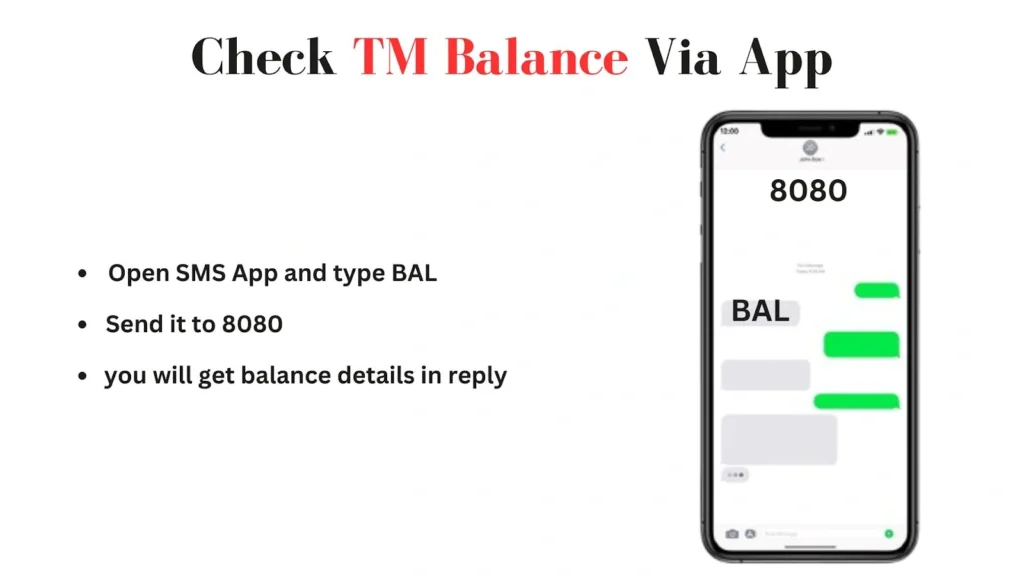
Follow the guide below to check both load and data balance via SMS:
- Open your phone’s Messages app.
- To check load balance, type BAL and send it to 8080.
- To check data balance, type DATA BAL and send it to 8080.
- You’ll receive an SMS from Globe with your balance details.
- The message shows remaining load (₱), mobile data left (MB/GB), and promo expiry/validity.
Note: It costs ₱1 rarely, works reliably even with a weak signal, and the reply shows your load amount and expiry. This method is valid for both TM and Globe.
Check Balance Via USSD
Here is how you can check your data and load balance via USSD code:
- Dial *143# and press the call button using your Globe or TM SIM.
- Your load balance and expiry date appear at the top of the menu.
- To check data balance, type “O” and press send.
- Then type “1” for a data balance inquiry.
- Now you will get your data balance details on the screen.
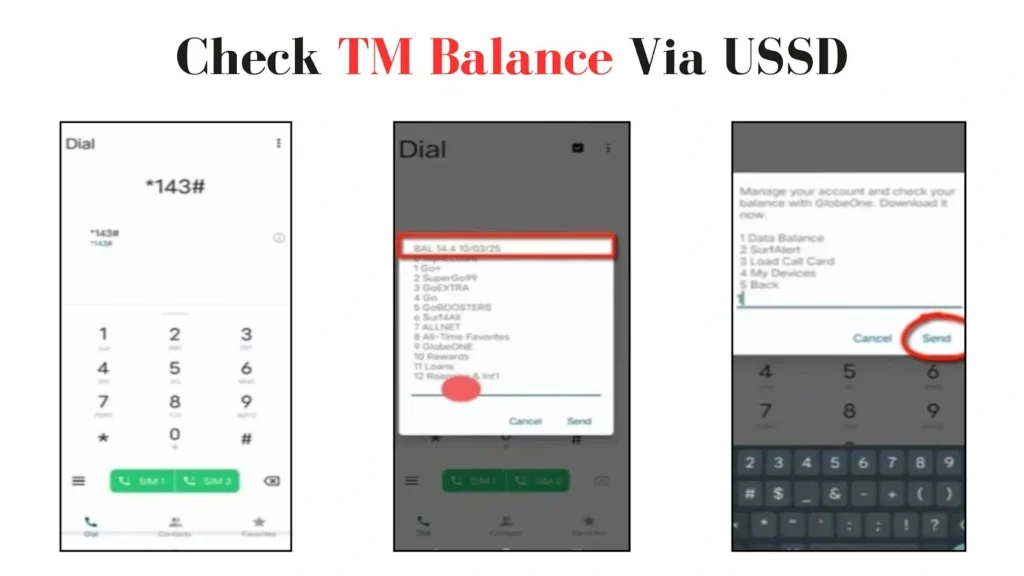
It’s free, instant, and works offline on all phones, showing your main load and active promos.
Check Via Phone Call
You can also know the TM balance through a phone call: Here are the details about it:
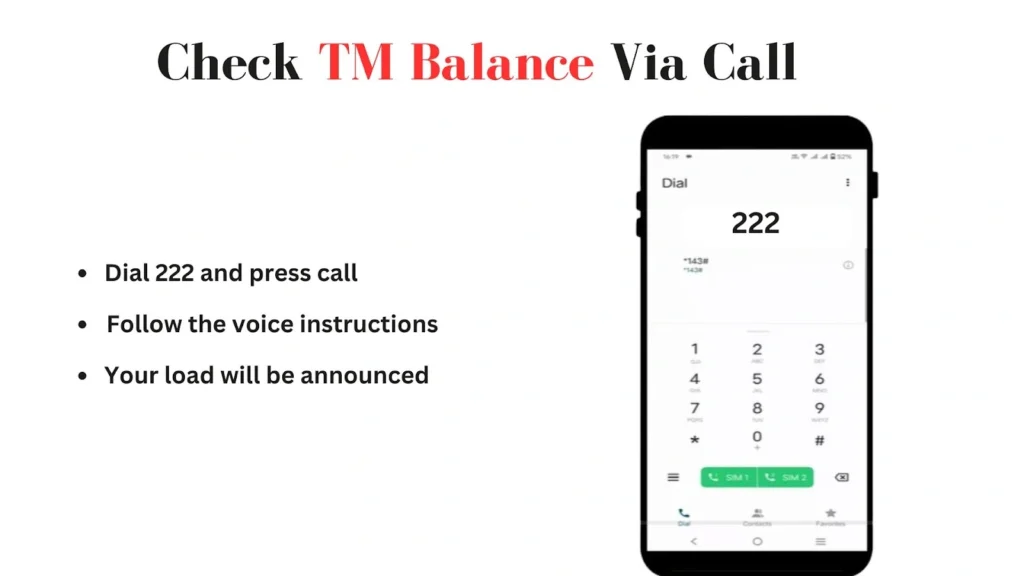
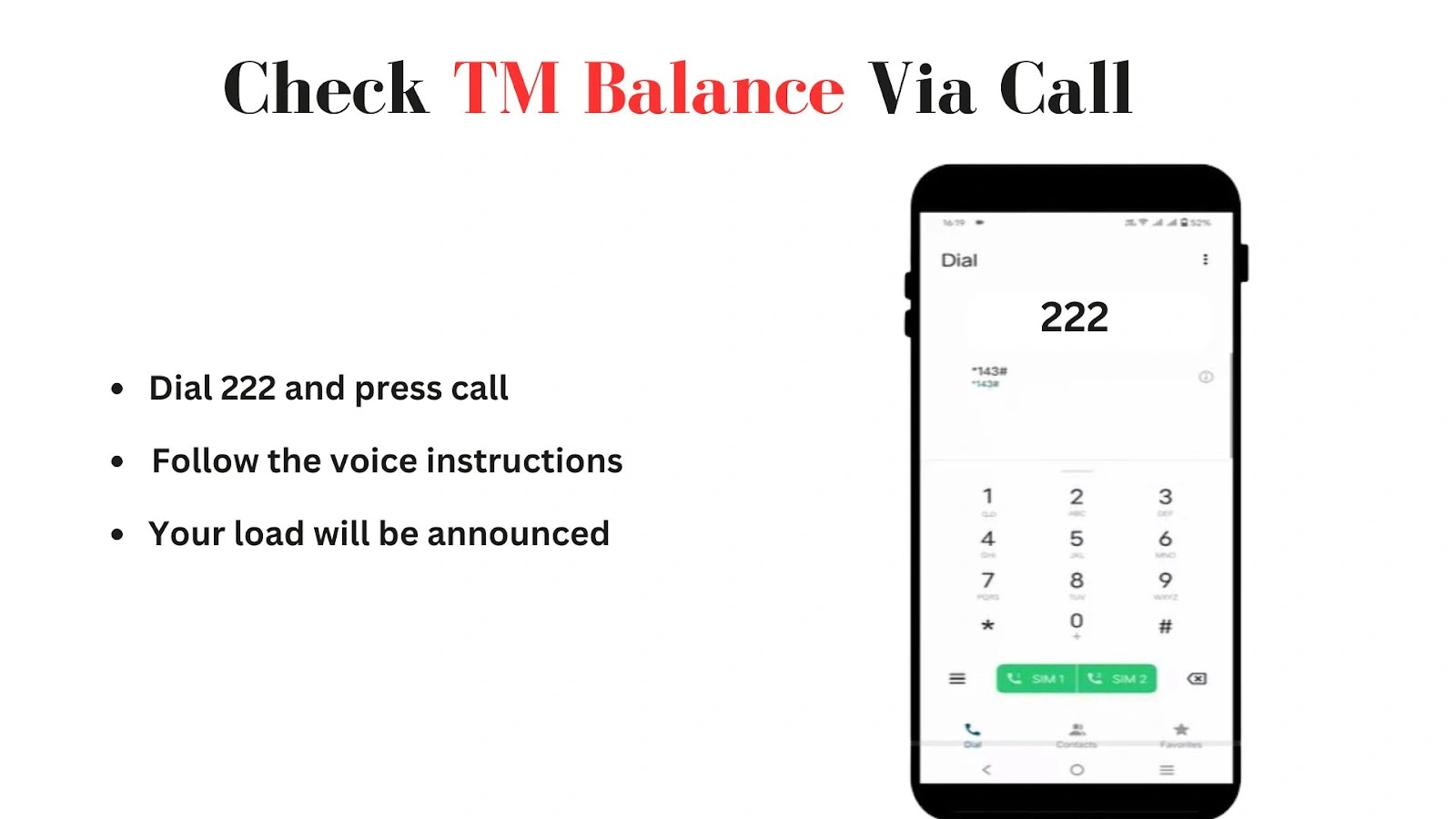
- Open the dial pad on your TM mobile.
- Dial 222 and press call.
- Follow the voice instructions carefully.
- Your remaining load and balance will be announced within seconds.
A small fee applies, but this method is quick, convenient, and works even without internet or SMS.
Quick Overview Of TM Balance Inquiry Methods
Here is the quick overview of all the balance inquiry methods that would help you to choose the perfect method for you:
Method | Check Load Balance | Check Data Balance | Notes |
GlobeOne App | log in → Balance section. Load shows instantly. | The same section shows data, promos, usage, validity. | Free, detailed, online |
SMS (8080) | Send BAL to 8080. | Send DATA BAL to 8080. | Free/₱1 rarely, reliable, works on weak signal |
*USSD (*143#) | Dial *143# → press call → load at top. | Type “O” → send → type 1 → send. | Free, instant, offline, shows load & promos. |
Phone Call (222) | Dial 222 → follow voice instructions → load announced. | load announced. | A small fee apply, quick, works without internet. |
FAQs
Conclusion
You can check your TM balance using SMS, USSD (*143#), phone call (222), or the GlobeOne app. Each method gives accurate, real-time details of your load, data, and active promos. SMS and USSD are mostly free, reliable, and work even on weak signals, while calls provide a quick voice-based option for checking your load.
The GlobeOne app offers the most detailed view, showing balances, usage, and promo validity in one place. With these TM balance inquiry method options, you can easily track your remaining load and data.